
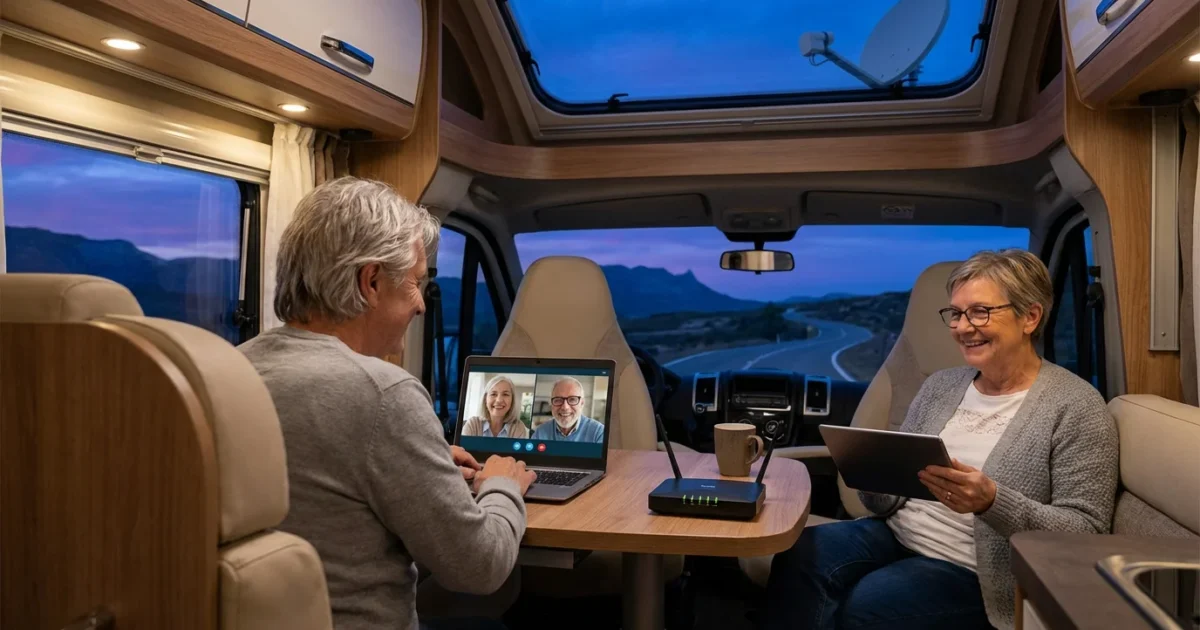
The open road beckons, offering boundless opportunities for discovery and relaxation. For many seniors, an RV provides the perfect mobile base for exploring our nation’s parks, forests, and charming towns. While you embrace the freedom of travel, staying connected with family, friends, or even handling essential tasks often becomes a priority. Reliable internet keeps you informed, entertained, and secure, ensuring your adventures remain stress-free and enjoyable.
Beyond tech setups, following essential tips for a comfortable RV trip will help you focus on the scenery rather than the logistics.
Modern technology offers a variety of solutions to bring the internet wherever your wheels take you. Understanding these options empowers you to choose the best fit for your unique travel style and connectivity needs. We will explore the different ways to get RV internet, providing practical advice and specific examples to help you make informed decisions.
Table of Contents
- Understanding Your Connectivity Needs
- Cellular Data: Your Primary RV Internet Solution
- Satellite Internet: For Remote Adventures
- Public Wi-Fi and Wi-Fi Boosters: Augmenting Your Connection
- Combining Solutions: A Hybrid Approach to Reliable RV Internet
- Essential Gear for RV Internet Connectivity
- Budgeting for Your RV Internet
- Staying Safe and Secure Online While RVing
- Planning for Connectivity on Your Route
- Frequently Asked Questions
Understanding Your Connectivity Needs
Before diving into specific solutions, consider what you use the internet for. Your daily online habits dictate the type and amount of internet service you require. Do you primarily check emails, or do you stream high-definition movies and participate in video calls?
Evaluate your connectivity priorities. Some travelers need basic connectivity for navigation and emergencies, while others require robust service for remote work or keeping up with grandchildren. Your budget also plays a significant role in determining the most suitable RV internet setup.
Consider these questions when assessing your internet needs:
- Do you need internet for essential communication, such as emails and messaging?
- Will you stream video content, like movies or TV shows, regularly?
- Do you participate in video calls with family, friends, or for work?
- Do you rely on online navigation and mapping tools?
- Will you download large files, such as photos or software updates?
- Is staying informed with news and weather updates crucial for your travels?
- What is your comfort level with occasional internet outages or slow speeds?

Cellular Data: Your Primary RV Internet Solution
For most RVers, cellular data stands as the most common and often most reliable internet option. It leverages the same cellular networks your smartphone uses, providing widespread coverage across populated areas and many remote routes. Cellular data solutions come in several forms, each with distinct advantages.
Managing your data usage efficiently is a key part of staying on budget while traveling full-time.
Dedicated mobile hotspots, often called MiFi devices, offer a portable Wi-Fi network for multiple devices. You purchase these devices with a data plan from major carriers. Many smartphones also offer a personal hotspot feature, allowing you to share your phone’s cellular data with other devices wirelessly.
For more robust setups, consider cellular routers designed specifically for RV use. These devices often feature external antenna ports, allowing you to enhance signal reception, particularly in fringe coverage areas. Data plans vary widely in terms of cost, data caps, and network priority, so compare options carefully.
The major carriers, including Verizon, AT&T, and T-Mobile, offer various plans. Some plans provide unlimited data, though “unlimited” often comes with speed throttling after a certain usage threshold. Research coverage maps for your planned routes to ensure you select a carrier with strong service in your desired locations.
“The world is a book and those who do not travel read only one page.” — Saint Augustine
Pros of cellular data:
- Wide availability in populated areas.
- Generally faster speeds than satellite in good coverage.
- Portable and easy to set up.
- Can support multiple devices.
Cons of cellular data:
- Reliance on cellular towers, leading to dead zones in very remote areas.
- Data caps or throttling can limit usage.
- Performance varies significantly based on signal strength and network congestion.

Satellite Internet: For Remote Adventures
When your RV ventures far beyond the reach of cellular towers, satellite internet becomes an invaluable alternative. This technology transmits data via satellites orbiting Earth, providing connectivity virtually anywhere you have a clear view of the sky. While historically expensive and often slower, recent advancements have made satellite options more appealing for RVers.
Having a reliable connection is especially important when boondocking in remote locations where standard cellular signals often fail.
Traditional Satellite Systems
Traditional satellite internet systems, such as those offered by HughesNet or Viasat, involve a dish that requires manual aiming. These systems typically work best when stationary, making them suitable for long-term stays in very remote locations. Data speeds can be slower, and latency, the delay in data transmission, is higher compared to cellular or fiber connections.
These older satellite services often come with stringent data caps and higher monthly costs. They prove useful for essential communications, but less ideal for heavy streaming or real-time applications like video calls.
Starlink Roam
Starlink, developed by SpaceX, revolutionized satellite internet with its low-Earth orbit, LEO, satellite constellation. Starlink Roam offers high-speed, low-latency internet service that travels with you. The flat, square dish, often called a “Dishy,” automatically finds satellites, making setup relatively straightforward.
Starlink provides significantly faster speeds and lower latency than traditional satellite internet, often comparable to residential broadband. This makes it suitable for streaming, video calls, and other bandwidth-intensive activities. However, it requires an unobstructed view of the sky, which can be challenging in heavily forested areas or deep canyons. Monthly costs are generally higher than cellular plans, and equipment costs represent a substantial upfront investment.
Pros of satellite internet, especially Starlink:
- Coverage virtually anywhere with a clear sky view.
- High speeds and low latency with Starlink.
- Reliable for remote locations where cellular fails.
Cons of satellite internet:
- High initial equipment costs.
- Higher monthly subscription fees.
- Requires a clear view of the sky, susceptible to obstructions.
- Can be affected by severe weather.
Public Wi-Fi and Wi-Fi Boosters: Augmenting Your Connection
Public Wi-Fi offers a convenient and often free way to get online, but it comes with limitations. You find public Wi-Fi at campgrounds, coffee shops, libraries, and rest stops. While handy for quick tasks, relying solely on public Wi-Fi for all your internet needs poses challenges.
Connecting to campground Wi-Fi is a great way to stay active in various RV clubs and communities during your travels.
Public Wi-Fi networks often suffer from slow speeds due to congestion, especially in popular RV parks. Security is also a major concern, as these networks are typically unsecured, making your personal data vulnerable. Exercise caution and avoid accessing sensitive information, such as banking or medical records, on public Wi-Fi without a Virtual Private Network, VPN.
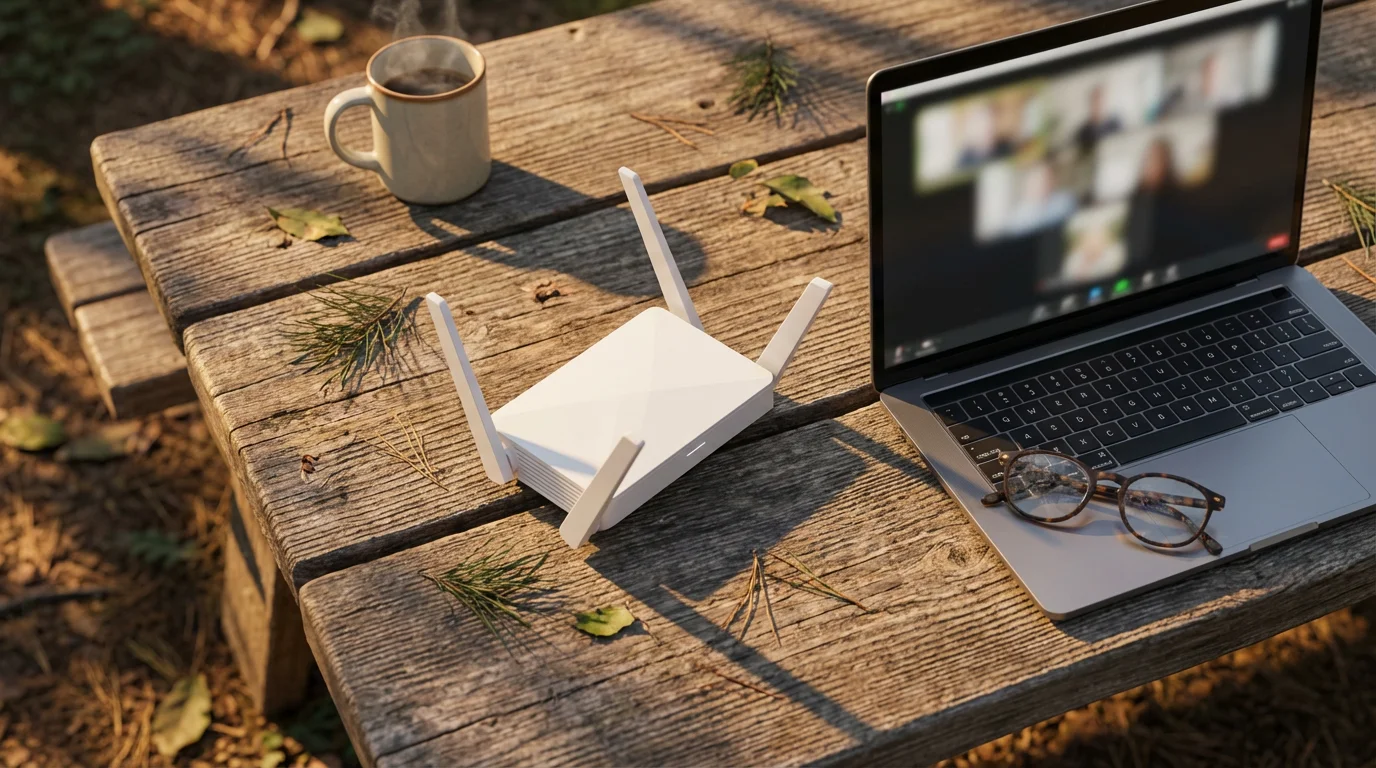
Wi-Fi boosters, also known as Wi-Fi extenders or range extenders, enhance your ability to connect to distant public Wi-Fi signals. These devices capture weak Wi-Fi signals and rebroadcast them as a stronger, private network within your RV. A good booster can significantly improve your connection strength and speed at campgrounds, but it cannot create an internet connection where none exists. It simply strengthens an existing one.
Using a Wi-Fi booster helps you reach campground Wi-Fi from further away or improve a weak signal near your site. You will still contend with the overall speed and security limitations of the public network you are boosting. Combine a booster with other internet solutions for the best results.
Practical tips for using public Wi-Fi:
- Use a VPN for any sensitive online activities.
- Limit streaming or large downloads on shared networks.
- Connect early in the morning or late at night when networks are less congested.
- Verify network names to avoid connecting to fraudulent hotspots.
Combining Solutions: A Hybrid Approach to Reliable RV Internet
The most robust and reliable RV internet setup often involves a combination of technologies. No single solution offers perfect coverage and performance in every situation. A hybrid approach provides redundancy and flexibility, ensuring you stay connected regardless of your location.
Integrating multiple systems often requires regular RV maintenance and care to keep all external antennas and internal routers functioning correctly.
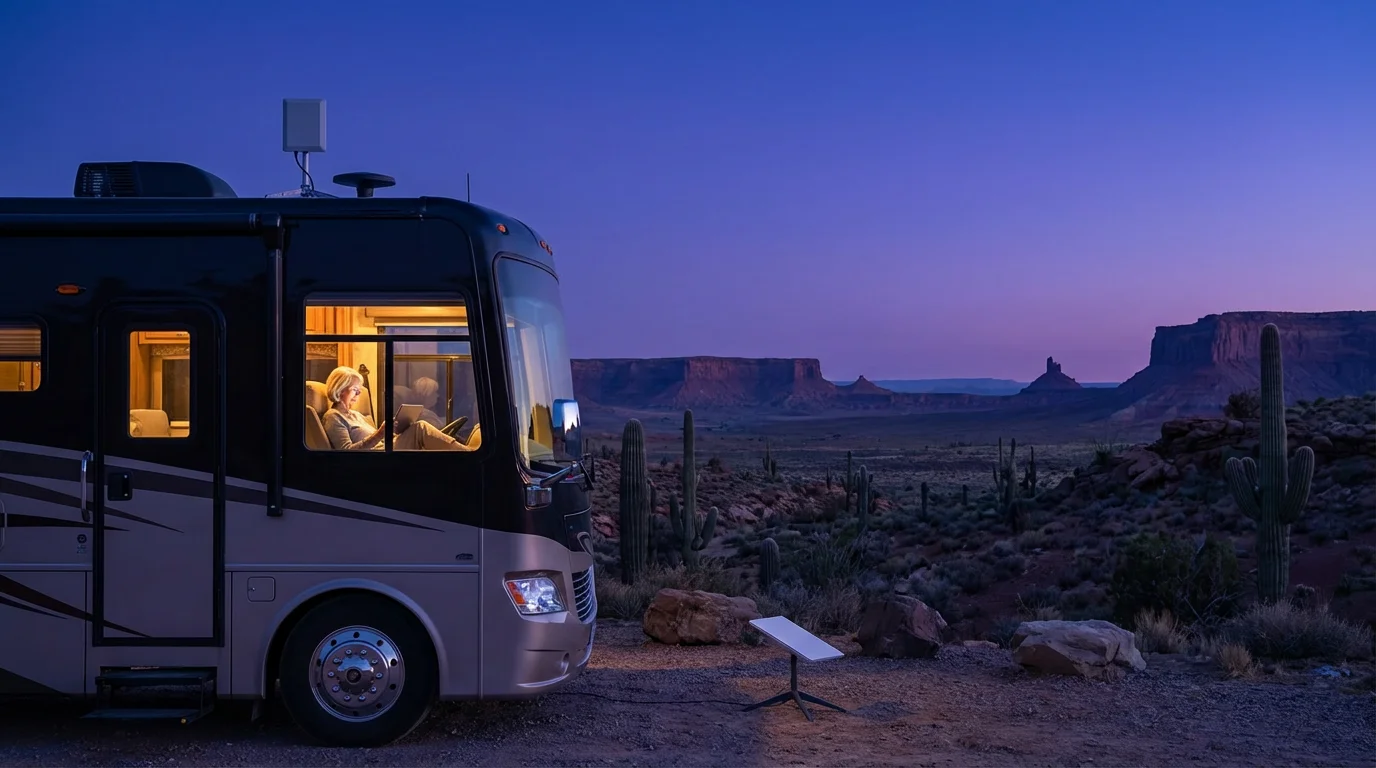
Many experienced RVers build a system that layers different internet options. For example, they might use cellular data as their primary connection in areas with good coverage. When cellular service drops, such as in national parks or remote wilderness, they switch to satellite internet, like Starlink. They also keep a Wi-Fi booster handy for leveraging campground Wi-Fi when available.
This layered strategy minimizes downtime and maximizes your connectivity options. It requires a greater initial investment and potentially multiple monthly subscriptions, but the peace of mind and consistent access it provides are invaluable for many travelers. Plan your budget accordingly for this comprehensive setup.
Consider a practical example. Imagine you are driving through a state with excellent cellular coverage, using your mobile hotspot. You arrive at a remote national forest campground where cellular signal disappears. Here, your Starlink system would provide internet. If you then move to a private RV park with slow, but usable, Wi-Fi, your Wi-Fi booster could amplify that signal for your devices. This adaptability helps you avoid frustrating connectivity gaps.
Essential Gear for RV Internet Connectivity
Equipping your RV with the right gear ensures you maximize your internet options. A thoughtful selection of devices and accessories makes a significant difference in your connectivity experience. Prioritize quality and compatibility when purchasing equipment.
Make sure to include these tech components on your essential RV checklist before heading out on your next journey.
While tech gear is vital, don’t overlook other essential camping gear for seniors that ensures your overall comfort and safety.
Here is a list of essential and highly recommended gear:
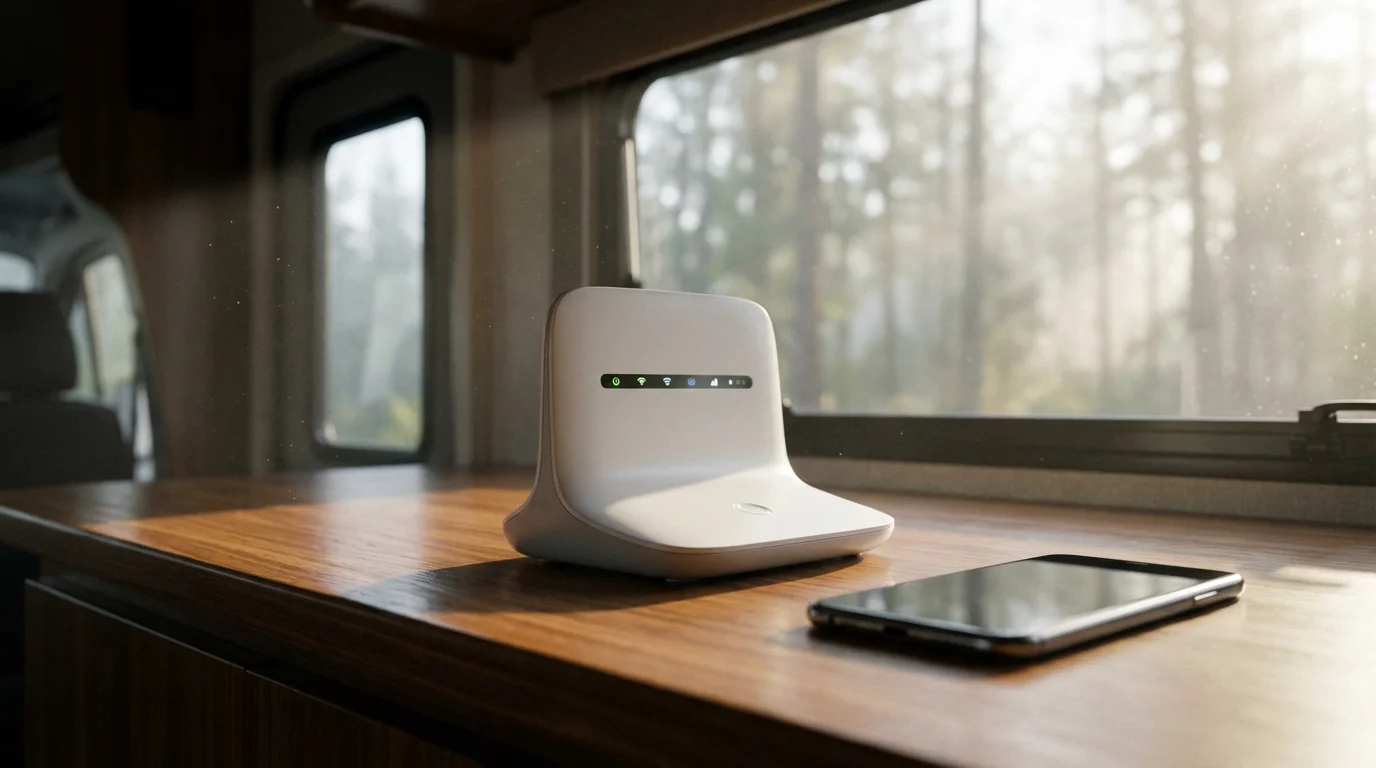
- Mobile Hotspot Device: A dedicated device from a major carrier, providing a local Wi-Fi network.
- Cellular Router: A more powerful device, often with external antenna ports for improved signal.
- External Cellular Antenna: Connects to a cellular router or hotspot, if supported, to boost signal reception. Directional antennas require aiming; omnidirectional antennas offer simpler setup.
- Cellular Signal Booster: Amplifies weak cellular signals to your devices. Look for boosters certified by the FCC.
- Satellite Internet System: Starlink Roam is the leading option for high-speed, remote connectivity.
- Wi-Fi Booster/Extender: Improves reception of public Wi-Fi signals.
- VPN Service: Essential for protecting your data on public Wi-Fi networks.
- Power Inverter/Power Bank: Ensures your devices stay charged, especially when boondocking.
- Ethernet Cables: For direct, stable connections between devices and routers, minimizing Wi-Fi interference.
Budgeting for Your RV Internet
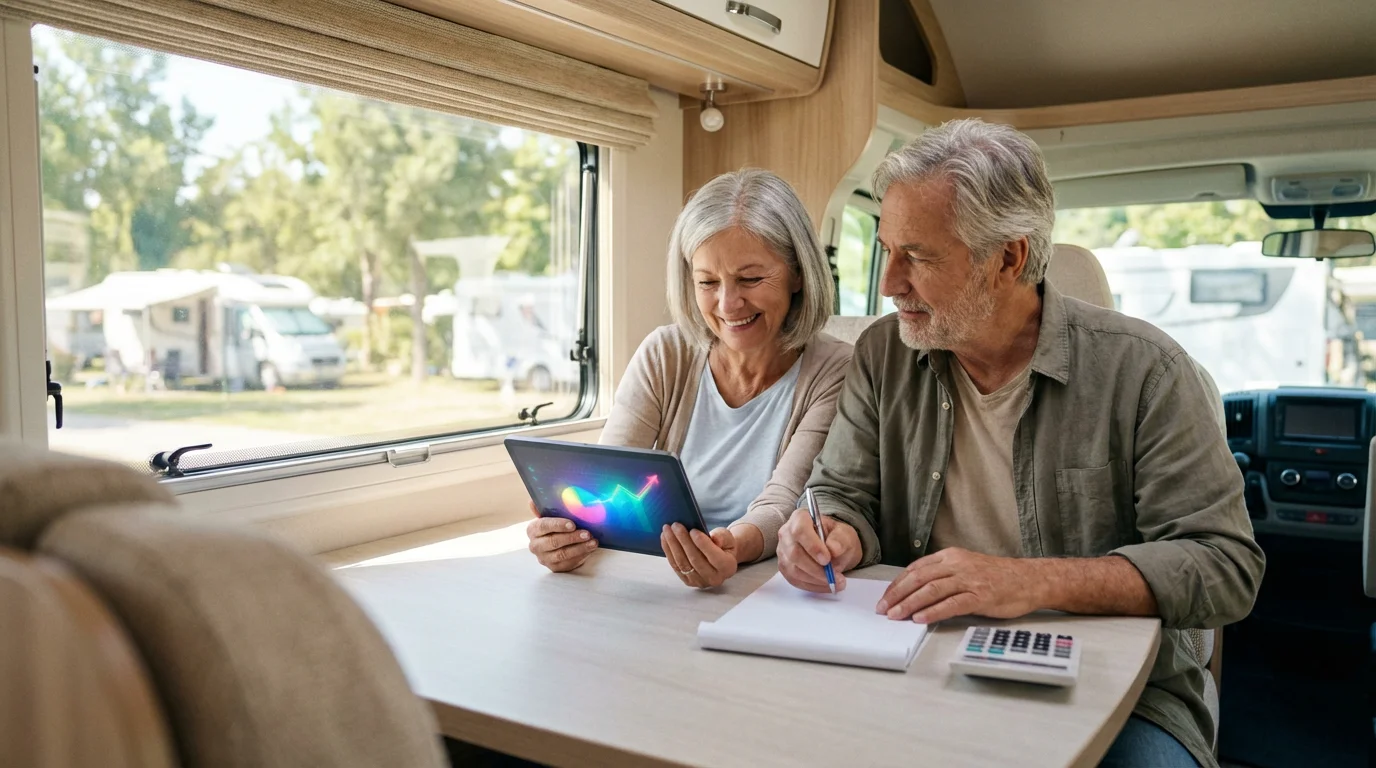
Understanding the costs associated with RV internet helps you plan effectively. Your budget will influence your choice of hardware and monthly data plans. Evaluate both upfront investments and recurring expenses.
When planning your expenses, don’t forget to account for RV insurance to protect your valuable connectivity hardware from damage or theft.
The initial equipment cost represents a significant outlay. A mobile hotspot might cost $50-200. A robust cellular router with external antennas could range from $300-800. A Starlink Roam system currently costs around $599 for the hardware, a substantial investment. Wi-Fi boosters typically run $100-300.
Monthly data plans constitute the recurring expense. Cellular plans vary from $30-100+ per month, depending on data allowances and carrier. Starlink Roam charges around $150 per month. Some plans offer seasonal suspension, which saves money during months you are not RVing. Carefully read the terms and conditions for data caps, throttling policies, and contract lengths.
To optimize your budget, track your data usage for a month or two. Many devices and carriers provide usage statistics, helping you understand your actual needs. This data prevents you from overpaying for unused data or facing unexpected overage charges. Adjust your plan as your travel habits evolve.

Staying Safe and Secure Online While RVing
Just as you secure your physical belongings in your RV, protecting your digital life on the road is crucial. Cyber threats exist everywhere, and public networks introduce specific vulnerabilities. Implement robust security practices to safeguard your personal information.
Digital safety is just as important as physical safety, especially for those embarking on solo senior adventures across the country.
Always use a Virtual Private Network, or VPN, when connecting to any public Wi-Fi network. A VPN encrypts your internet traffic, creating a secure tunnel between your device and the internet. This prevents unauthorized parties from intercepting your data, even on an unsecured network. Many reputable VPN services are available for a reasonable monthly fee.
Practice good password hygiene. Use strong, unique passwords for all your online accounts. Consider a password manager to help you create and store complex passwords securely. Enable two-factor authentication, or 2FA, whenever possible. This adds an extra layer of security, usually requiring a code from your phone in addition to your password.
Keep your devices and software updated. Operating system updates and application updates often include critical security patches. Regular updates protect against newly discovered vulnerabilities. Be wary of suspicious emails or unsolicited messages. Phishing attempts try to trick you into revealing personal information. If something looks suspicious, do not click on links or download attachments.
RVing takes you to incredible places, but it does not exempt you from digital risks. Proactive security measures ensure your peace of mind while you enjoy your adventures. Explore the National Park Service website for inspiration on safe and beautiful destinations to explore with your secure internet setup. https://www.nps.gov/
Planning for Connectivity on Your Route
Successful RV travel involves careful planning, and internet connectivity should be a part of that process. Do not leave your internet access to chance. Proactive research and preparation make a significant difference in your on-road experience.
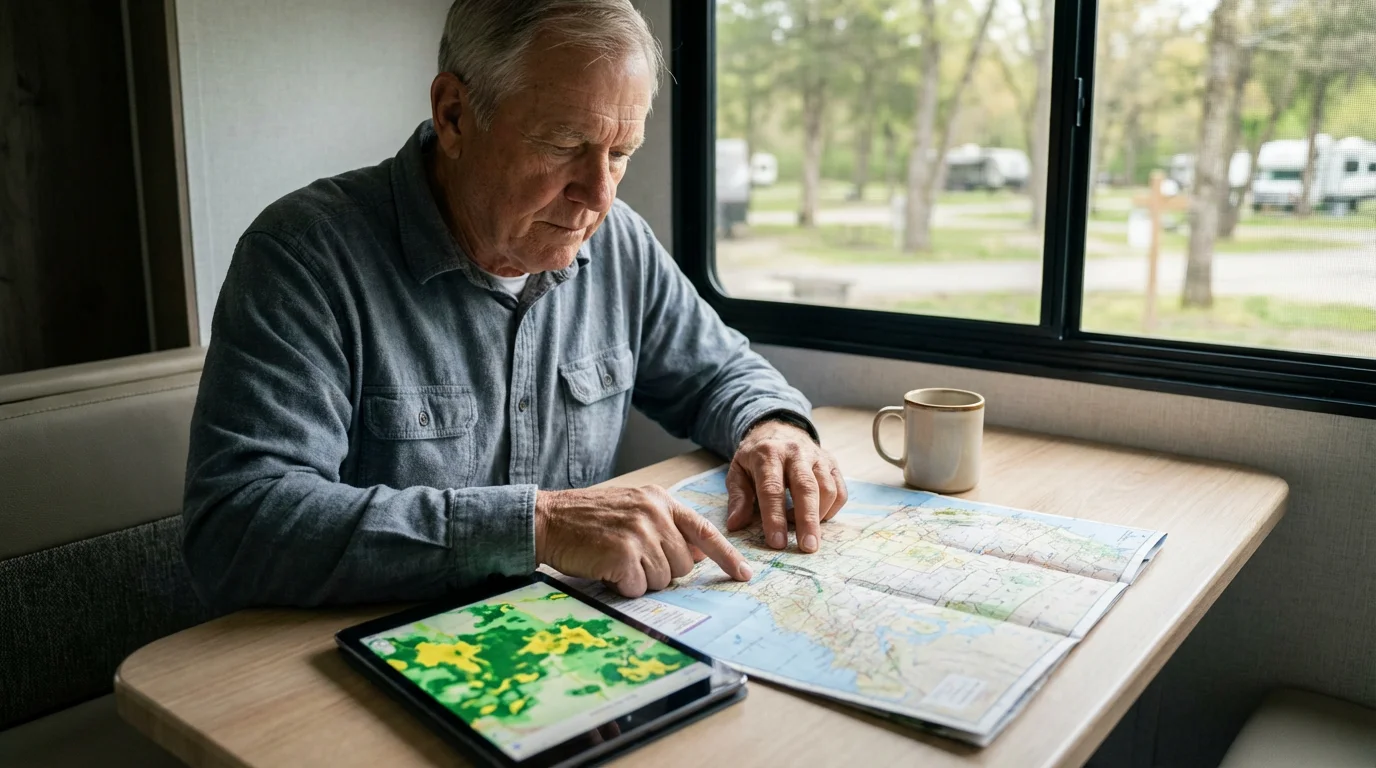
- Research Coverage Maps: Before you depart, check the cellular coverage maps of your chosen carriers for your entire route and planned destinations. Combine maps from multiple carriers to identify areas with potential signal gaps.
- Read Campground Reviews: Many RV park and campground reviews mention the quality of cellular service or Wi-Fi. Websites like Recreation.gov provide booking options for national park and forest campgrounds, often with helpful user comments regarding amenities, including connectivity. https://www.recreation.gov/
- Utilize Apps and Tools: Apps such as OpenSignal, Speedtest, or CellMapper provide real-time signal strength information and tower locations. These tools help you scout the best spots for reception upon arrival.
- Prepare for Backup: Always have a backup plan. This could mean having two cellular carriers, or a satellite system in addition to cellular. A paper map and downloaded offline maps also provide crucial navigation when internet is unavailable.
- Download Content Offline: Before heading to areas with questionable connectivity, download movies, podcasts, music, and e-books. This ensures entertainment and information remain accessible without an active internet connection.
- Inform Your Contacts: Let family and friends know your travel plans, including potential periods of limited connectivity. Provide them with alternative contact methods, such as a satellite phone number, for emergencies.
A little planning goes a long way in guaranteeing you stay connected when you need it most. Embrace the journey with confidence, knowing you have thought through your communication needs.
Frequently Asked Questions
Is satellite internet necessary for RVs?
No, satellite internet is not always necessary for RVs. Most RVers rely on cellular data for connectivity. However, if you plan to travel extensively in very remote areas, national parks, or wilderness where cellular signals are non-existent, satellite internet, particularly Starlink, becomes essential for reliable connection.
How much data do I need for RV internet?
The amount of data you need depends entirely on your usage habits. Light users who primarily check email and browse websites might use 10-50 GB per month. Moderate users who stream some video and participate in occasional video calls could use 100-200 GB. Heavy users, including those working remotely or streaming frequently, might require 300 GB or more. Track your current home internet usage to get an accurate estimate.
Can I use my phone as a hotspot for RV internet?
Yes, you can use your smartphone as a personal hotspot to share its cellular data with other devices. This works well for occasional use or for connecting one or two devices. However, using your phone as a hotspot can quickly drain its battery, deplete your phone’s data plan, and may not offer the best speeds or signal strength compared to a dedicated mobile hotspot or cellular router with external antennas.
What about public Wi-Fi at campgrounds?
Public Wi-Fi at campgrounds can be convenient, but often comes with limitations. Speeds are frequently slow due to many users sharing the same connection. Security is also a concern, as public networks are typically unsecured. Use a VPN to protect your privacy and sensitive data when connected to public Wi-Fi. Consider using a Wi-Fi booster to improve signal reception.
Is RV internet expensive?
The cost of RV internet varies significantly based on your chosen solutions and data plans. Basic cellular hotspots with limited data can be relatively inexpensive, perhaps $30-60 per month plus a low equipment cost. A comprehensive setup, including a cellular router, signal booster, and Starlink satellite system, involves substantial upfront equipment costs, potentially over $1000, and higher monthly fees, e.g., $100-200+ for multiple services. Budgeting effectively means matching solutions to your usage and financial comfort.
Disclaimer: This article is for informational purposes only. Travel conditions, accessibility, and requirements change frequently. We encourage readers to verify current information with official sources before traveling. Always consult with healthcare providers about travel considerations for your specific health situation.


Leave a Reply